
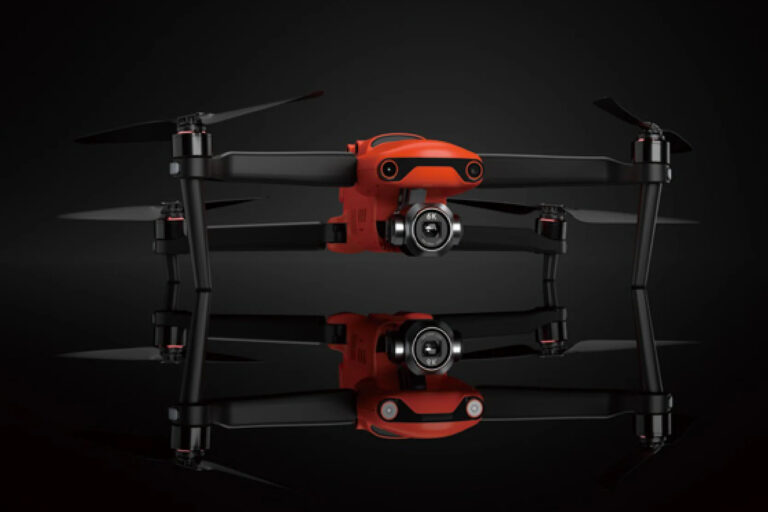
To comply with the Remote ID regulations in the EU and UK and enhance user experience, Autel Robotics has released crucial software and firmware updates for the EVO II V3 series drones in these regions. The company urges users to perform this update to ensure regulatory compliance.
The updated firmware versions are as follows:
- Autel Explorer app: v3.1.0.107
- Aircraft: v1.1.78
- Remote Controller: v1.3.9.15
One of the key features of this update is a new pairing method for the EVO II V3 drones, which can be initiated by double-clicking the battery power button.
Additionally, the firmware includes several bug fixes and optimizations, such as:
- Enhanced video transmission feed performance
- Improved No-fly zone function
- Updated Remote ID function to meet EU and UK regulations
- Enhanced HDMI functionality
- Resolved GPS update error
- Other known issue fixes
How to Update the Autel EVO II V3 Firmware
When your drone is connected to the internet, the system will automatically prompt you to update the firmware. If you do not receive this prompt, first check if your current firmware version is v1.1.56 or higher. If it is below v1.1.56, update to that version first to receive the latest OTA push.
Ensure your drone has sufficient power and a stable internet connection during the update process. Do not disconnect the power or internet connection to avoid update failure or potential device damage.
After completing the update, restart your drone and conduct a test flight to confirm that all functions are working correctly. For any issues, contact Autel Robotics customer support at support.eu@autelrobotics.com.
Image source: Autel